
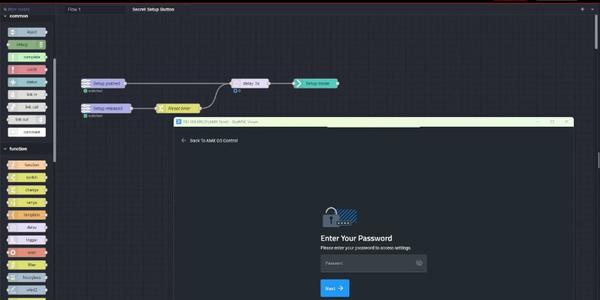
In this video, we create an example MUSE Automator flow that would allow a technician to access the touch panel setup menu by pressing and holding a secret button for three seconds. Learn more: https://www.amx.com/product_families/muse-controllers...
Course catalogue
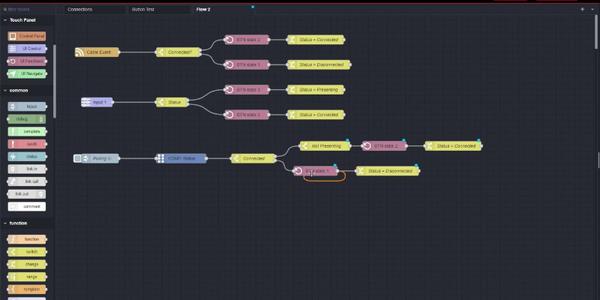
In this video, we explore some of the basics for how multi-state buttons work, then provide an example for providing touch panel feedback based on the presence of a video signal on an AMX Video Encoder. Learn more: https://www.amx....
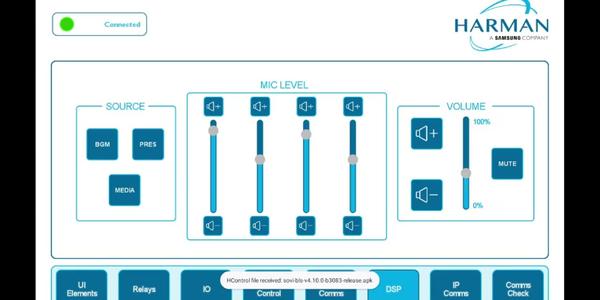
Learn to install third-party Android apps on AMX Varia touch panels and create a flow in MUSE Automator to launch them from within an AMX G5 touch panel design. Learn more: https://www.amx.com/product_families/muse-controllers and https://www.amx....
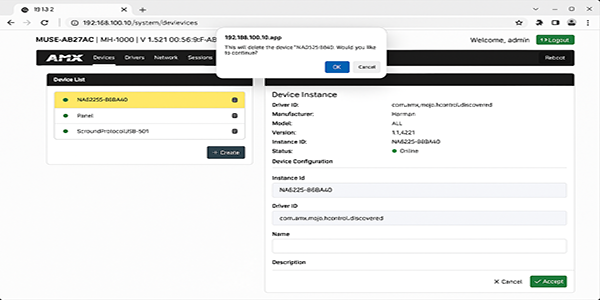
In this video, you'll learn the basics of configuring HControl devices using AVX Manager and connecting to them with AMX MUSE. Learn more: https://www.amx.com/product_families/muse-controllers and https://www.amx.com/products/muse-automator.
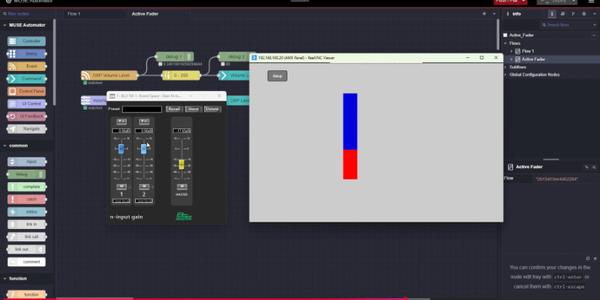
In this video, we'll share how to control a DSP fader using AMX MUSE Automator and AMX G5 Bargraph buttons. Learn more: https://www.amx.com/product_families/muse-controllers and https://www.amx.com/products/muse-automator.
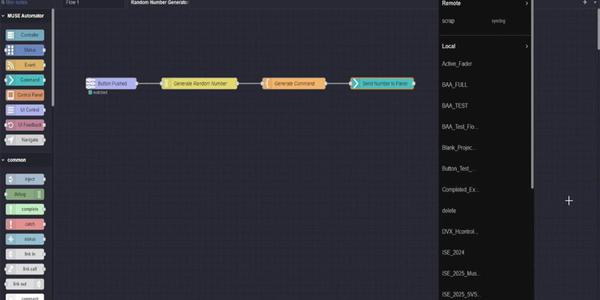
Community created Nodes can be leveraged within your AMX MUSE Automator flows to greatly cut down on development time, especially when integrating with complex APIs. If a MUSE controller can access the internet, third-party Nodes are downloaded ...

This training illustrates how to get started using HiQnet devices with AMX MUSE. AMX MUSE Automation Controllers are powerful, secure, and reliable devices that provide a dedicated computing resource running HARMAN Professional's AMX MUSE ...

This training illustrates how to download and install the Visual Studio code extension for AMX MUSE. AMX MUSE Automation Controllers are powerful, secure, and reliable devices that provide a dedicated computing resource running HARMAN ...

This training illustrates how to use AMX MUSE Automator (Node-RED) to Build Flows - Part 2. The MUSE Automator is an easy to install, customized version of the flow-based programming tool, Node-RED. With Automator, MUSE Automation solutions can be...

In this AMX Tech Byte, we'll explore how to add duet modules to AMX MUSE Controllers. AMX MUSE Automation Controllers are powerful, secure, and reliable devices that provide a dedicated computing resource running HARMAN Professional's AMX MUSE ...

In this AMX Tech Byte, we'll explore how to use AMX MUSE Automator (Node-RED) to Build Flows - Part 1. The MUSE Automator is an easy to install, customized version of the flow-based programming tool, Node-RED. With Automator, MUSE Automation ...

This Technical Hardware Overview covers AMX MUSE Automation Controllers. AMX MUSE Automation Controllers are powerful, secure, and reliable devices that provide a dedicated computing resource running HARMAN Professional's AMX MUSE automation ...

In this video, we explore Development Workflows for the AMX MUSE Automation Platform. AMX MUSE Automation Controllers are powerful, secure, and reliable devices that provide a dedicated computing resource running HARMAN Professional's AMX MUSE ...

In this video, we share a detailed look at AMX MUSE Automation Controllers. AMX MUSE Automation Controllers are powerful, secure, and reliable devices that provide a dedicated computing resource running HARMAN Professional's AMX MUSE automation ...

Explore how a Field Engineer, a Programmer, and a Project Manager will each be able to best utilize the AMX MUSE Platform. AMX MUSE Automation Controllers are powerful, secure, and reliable devices that provide a dedicated computing resource ...

Explore the AMX MUSE Automation Platform Overview in this video. AMX MUSE Automation Controllers are powerful, secure, and reliable devices that provide a dedicated computing resource running HARMAN Professional's AMX MUSE automation platform. ...

In this video, we get a quick overview of what's possible with the AMX MUSE automation platform. AMX MUSE Automation Controllers are powerful, secure, and reliable devices that provide a dedicated computing resource running HARMAN Professional's ...

Tips for editing the widget based architecture behind the AMX UC Web GUI. Learn to edit CSS variables to achieve custom color combinations, and edit existing templates to add, remove, or change buttons within one of the two supplied template ...
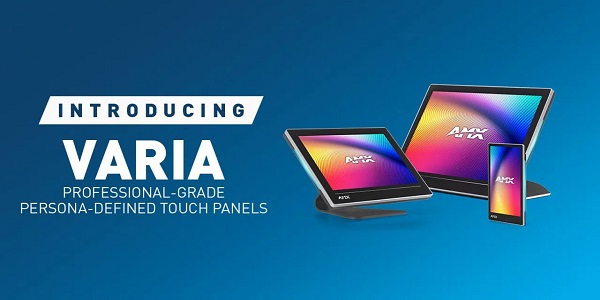
This Quick Look video introduces AMX Varia Professional-Grade, Persona-Defined Touch Panels. AMX Varia Touch Panels are designed to adapt to the unique needs of your environment by offering a selection of personas, which are pre-loaded apps that ...

This Product Overview introduces the AMX Jetpack Switching, Transport & Control Solution. AMX Jetpack is an incredibly affordable switching, transport, and control solution for K12 classrooms and small-to-medium meeting spaces that provides simple...